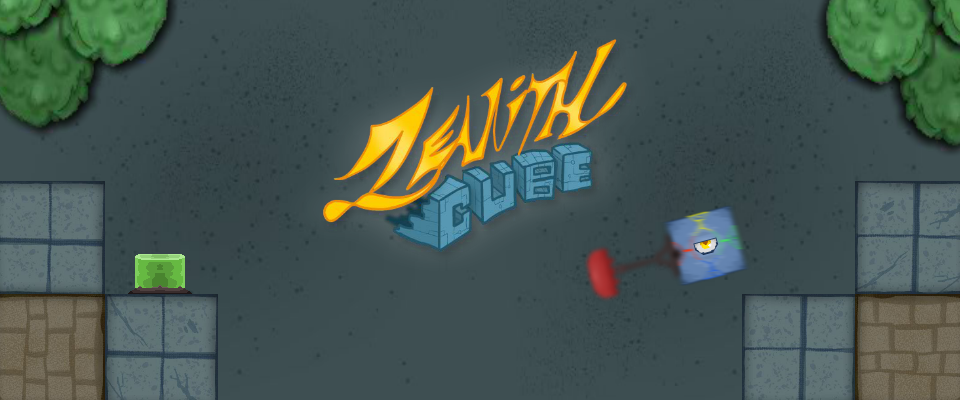
Zenith Cube
Watch the video for a quick grasp of the concept --->
Reach the Zenith in order to save the world from a giant planet before it's too late!
This is my entry for the 9th Big GDevelop Game Jam.
And also, my first time properly experimenting with the physics engine...
In case you rushed through the tutorial:
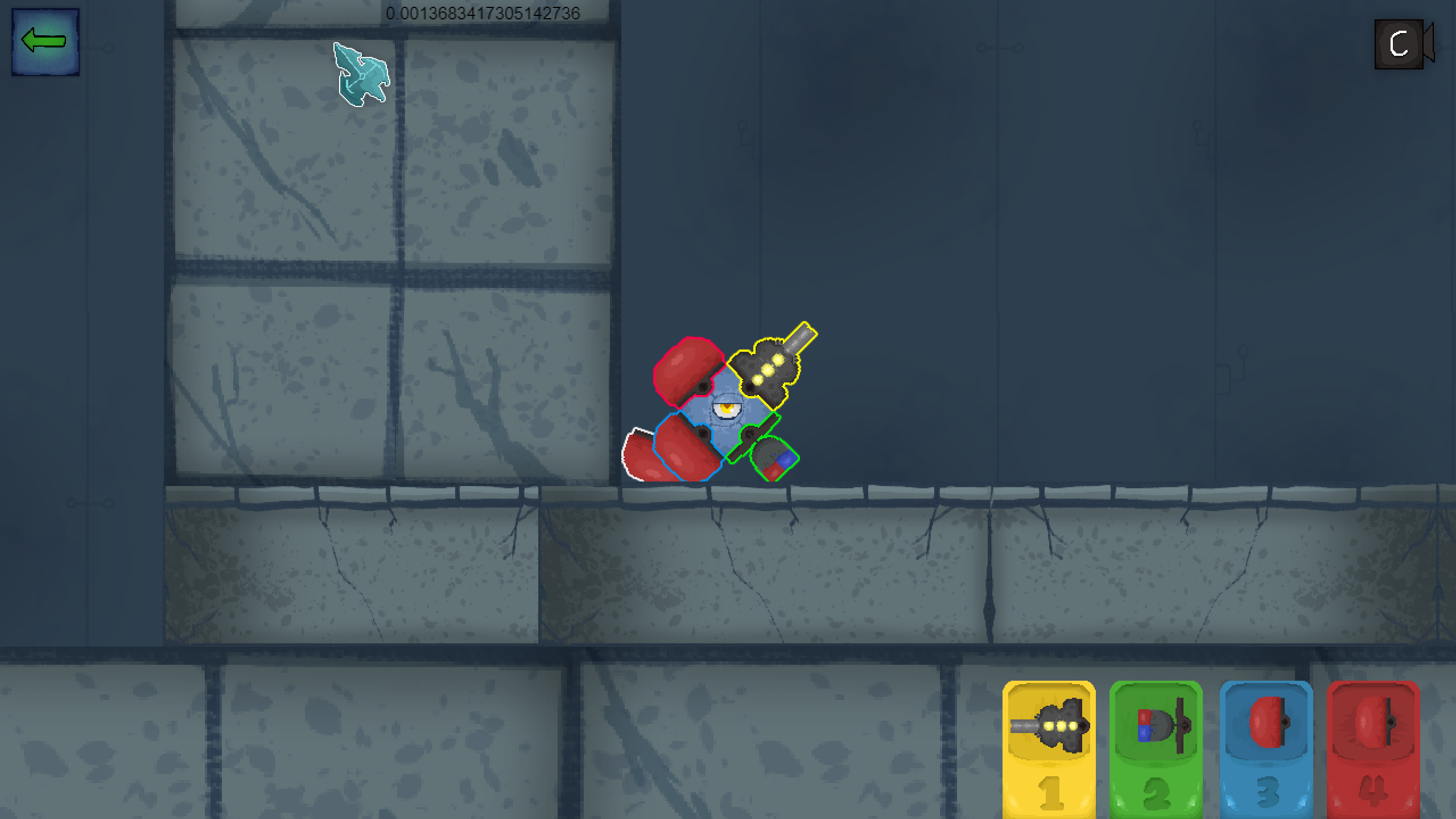
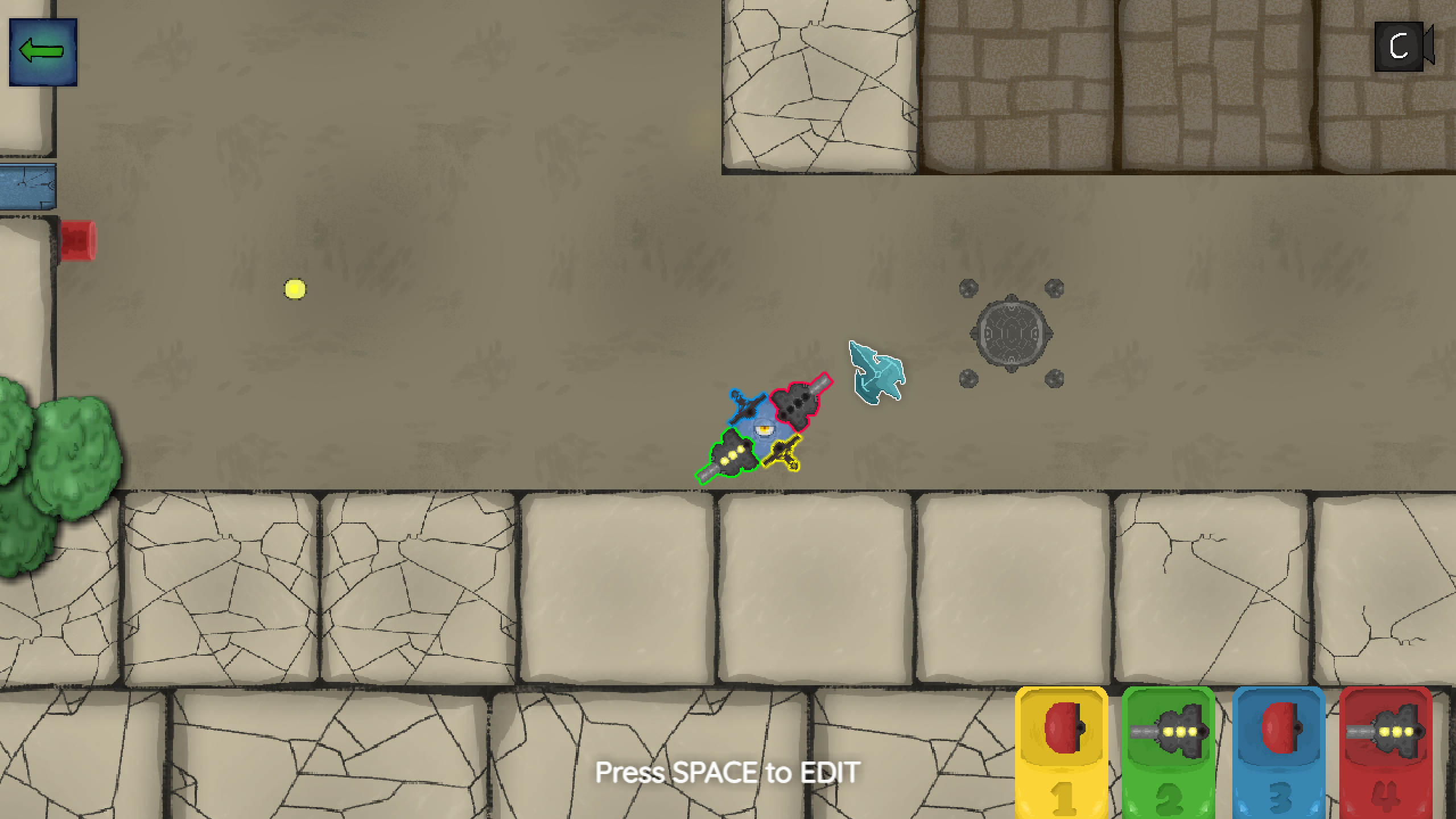
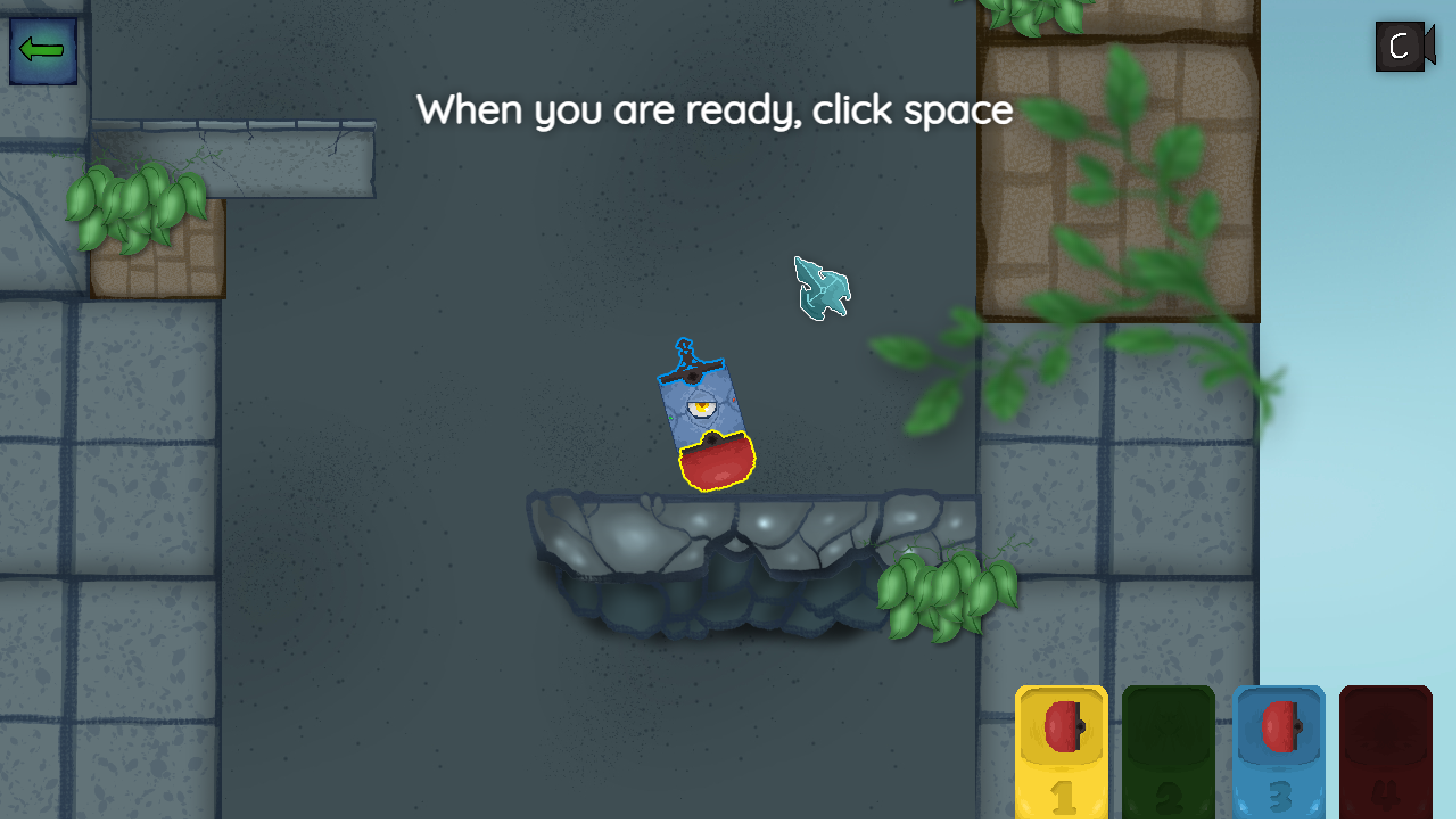
The game is played by equipping up to 4 pieces of equipment on your cube. Each equipped item affects your weight (jump strength) and rotation speed. You do not need to fill all of your slots!
To equip: Drag equipment to the highlighted spots (1 to 4).
To remove equipment: Right click on it. If it turns black, it has been removed.
To use equipment: Press the 1, 2, 3, and 4 keys on your keyboard. (Each color represents a number.)
Move the cube: Hold the left and right mouse buttons.
To return to and exit the Cube Editor: Press SPACE whenever you are near a portal. (You can only add or remove equipment while inside a portal.)
Restart: Press R on your keyboard. (Trust me, you will need to restart many times.)
XXX
I understand that the game may be frustrating. Some levels require a bit of thinking, and the physics may feel annoying... this game is not for everyone!
I did not have enough time to perfect the physics, so you may encounter strange bugs. I apologize in advance! If you do encounter any, please press R to restart the stage. Restarting usually fixes the problem.
Also, if you can inform me about any bugs you find, it would help me fix them properly!
XXX
Have fun and thank you for playing!
Comments
Log in with itch.io to leave a comment.
Such a cool and unique game! Its so satisfying when you get the jumps right and timed correctly. I got to level 3 but couldn't manage to get up to the first platform, i was so close a couple of times, any tips on making that first jump? i really like difficult games and this was a real challenge!
Very cool and professional logo and splash screens, really nice. Great job !
and also i found a bug where if you collide with one of the physics objects that you don't assign to the player in a weird spot then you just spring up really high, but that might be more of a gdevelop physics engine problem
For now, I have no idea how to fix this as I don't really know how it happens, but I call it the Skip jump because it allows you to skip a lot of the hard parts of the game if it happens in a good spot 😂
this is really cool but i cant lie to you the gameplay concept is great but really hard to get a hold of, and can be a bit unfun when you have to restart every time you run out of the equipment thingmajigs. i guess i would just recommend making a tutorial level that is like extremely easy because otherwise the current one kinda throws you off into a pit from which if you dont time your moves properly you are banished to live there forever.. unless you press r, but other than that i absolutely love the artstyle and animations.
Thank you, Greg.
The final version will need to improve a lot of things, especially the starting difficulty and the physics, as there are a lot of bugs. But yeah, for now, this is supposed to be a bit of a rage/strategy game.
Gotta press the R button till it breaks :"")
This is ingenious and the graphics a fantastic.......but it's quite a steep learning curve! i did make it to the platform above .....but sadly i got no further......the rotation mechanic perhaps needs to changing
Heyyy I was just checking your game
I agree. I wasn't really sure how to make it since the player would either rotate too slow or too fast so I settled for this. (This is what I get for not messing with the Physics engine enough😅)
I also noticed that the rotation can get really fast on a better computer! For the past few days, I’ve been working from my brother’s computer, which is terribly slow and weak, so I ended up modifying some of the physics for it without thinking about how much of a difference it would make.